✦ Featured program
Display a list of programs in table format, with a YouTube video positioned right beside it that updates dynamically when hovering over the corresponding program text.
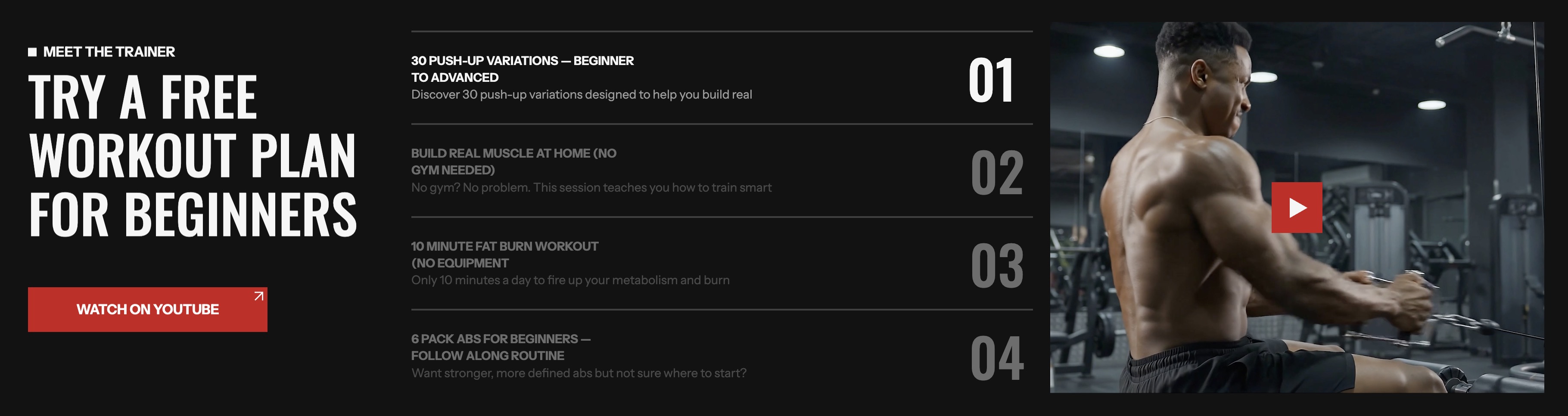
info
- In the theme editor (Customize), click Add section.
- Locate Featured program.
- Make necessary changes. > Save
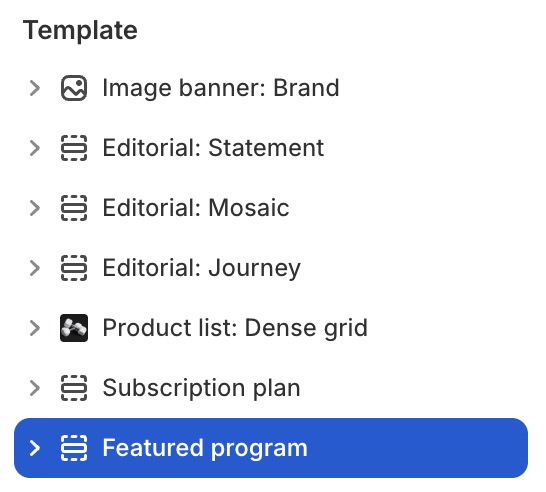
Select a setting described in the following table
| Setting name | Description |
|---|---|
| Effect | Adjust the background transition effect: Fade, Nature, Water, Urban. |
| Speed | Adjust the slide transition speed: From 100 to 1000 (milliseconds). |
| Autoplay | Enable autoplay: True, False. |
| Loop | Enable looping: True, False. |
| Section settings | Includes common section settings: General, Appearance, Padding. View Section settings |