Product line item properties
This guide describes how to add additional information for a product when adding it to the cart.
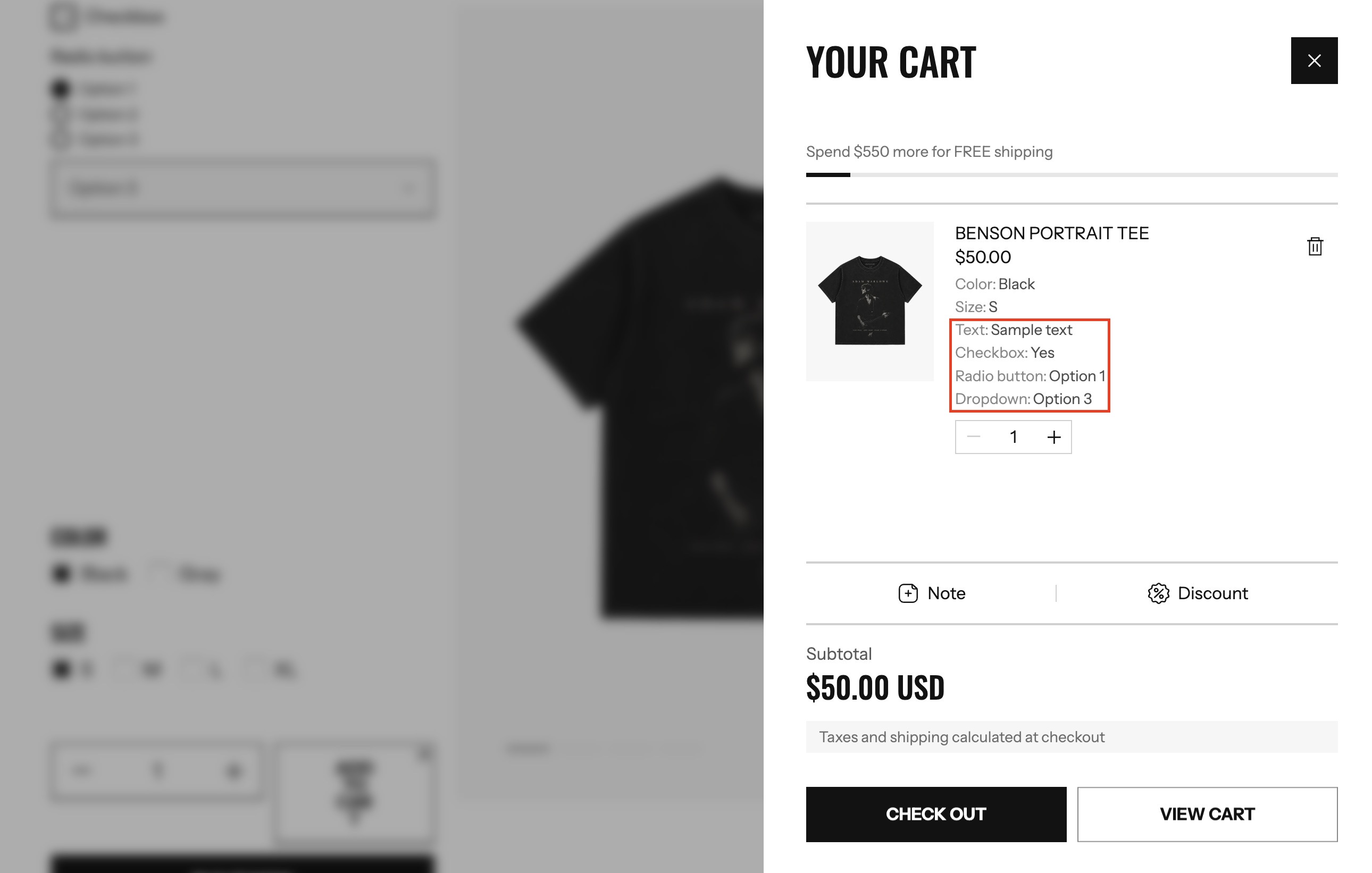
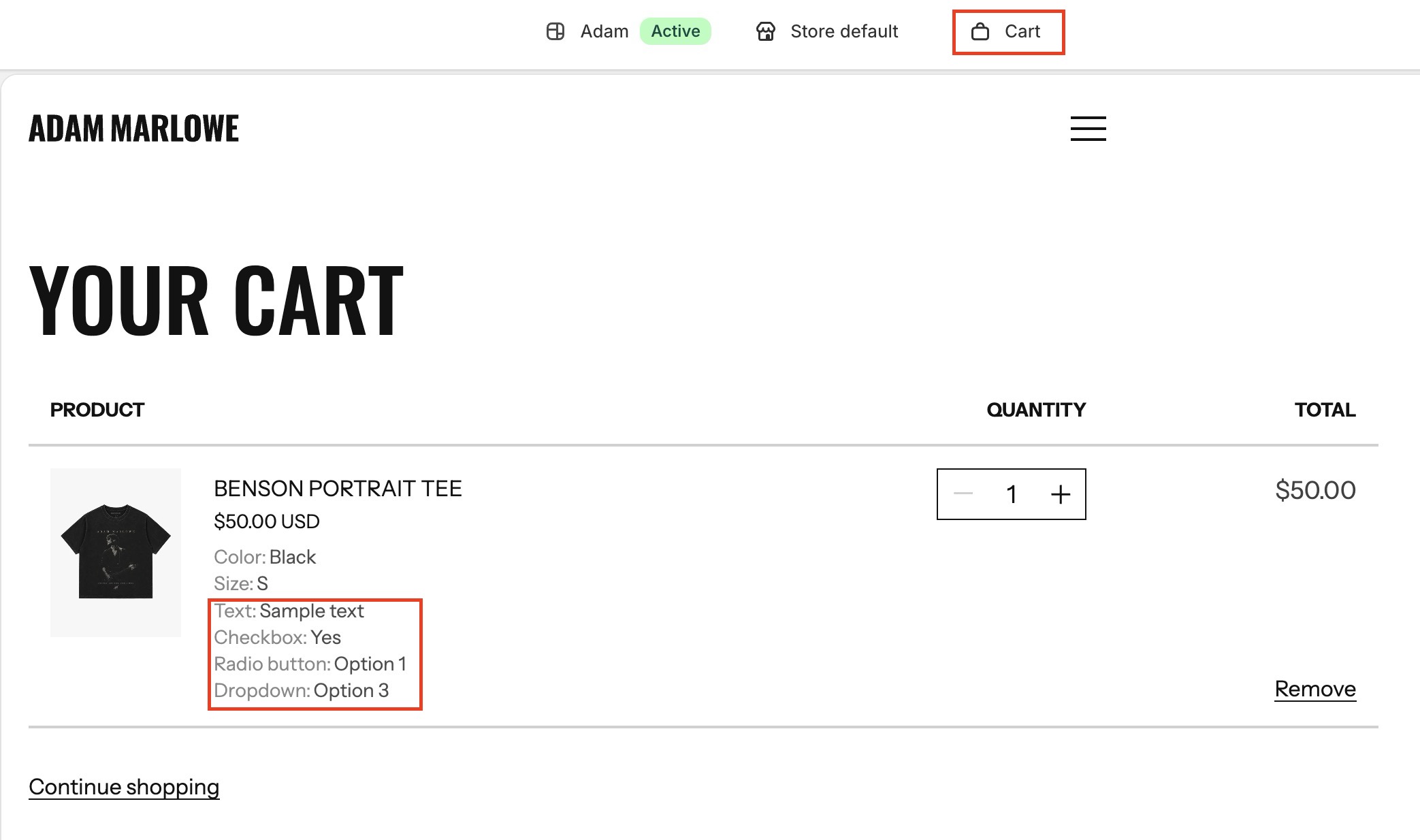
After Add to cart, the the customer additional information will be displayed Cart mini and Cart page. View Cart mini and Cart page
Setup Main product section
-
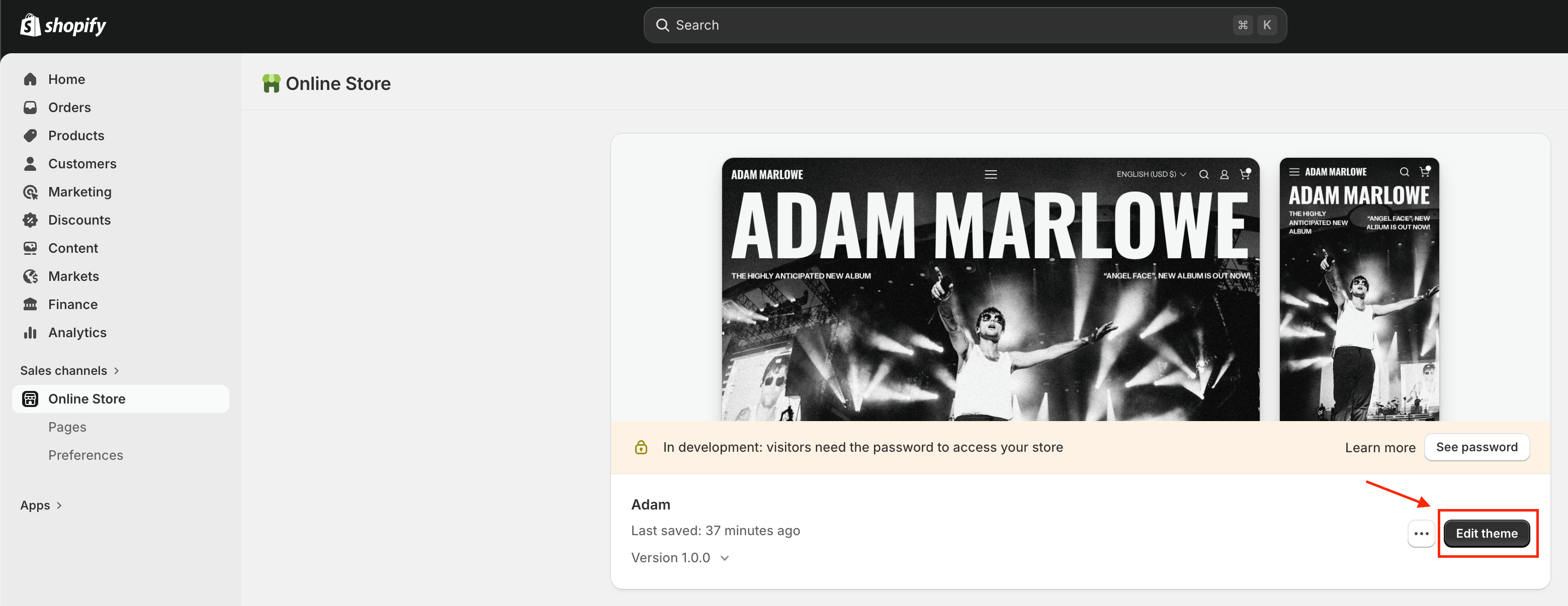
On your store's Shopify admin page, from the left-side menu, select Sales channels > Online store > Themes.
-
In the Current theme section, select Edit theme (or Customize) to open the Theme editor.
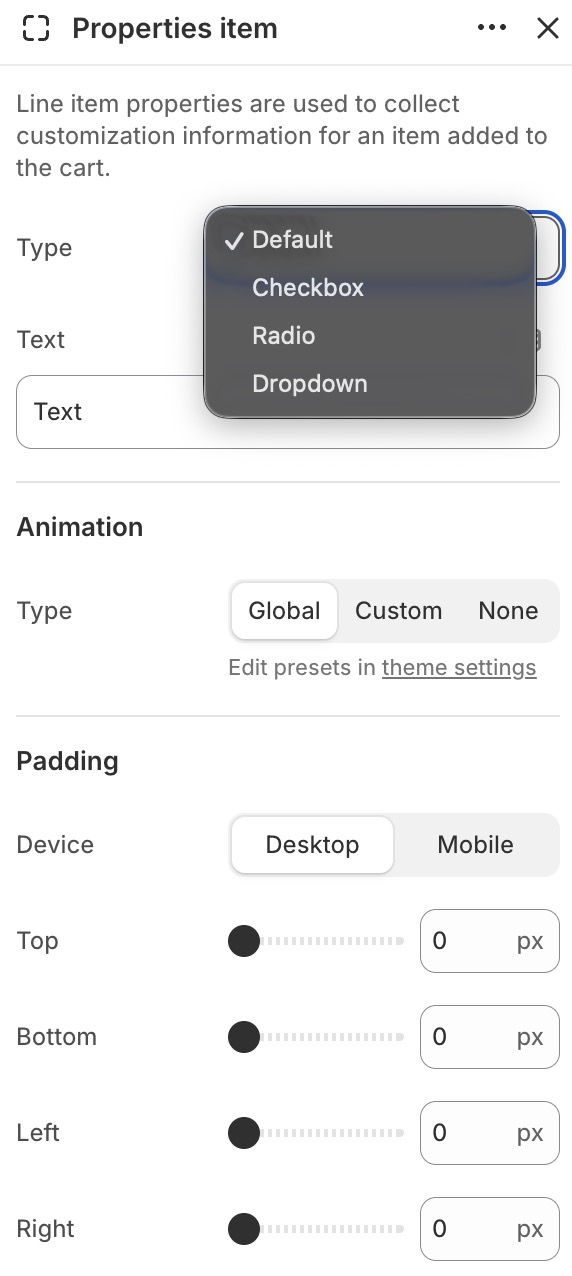
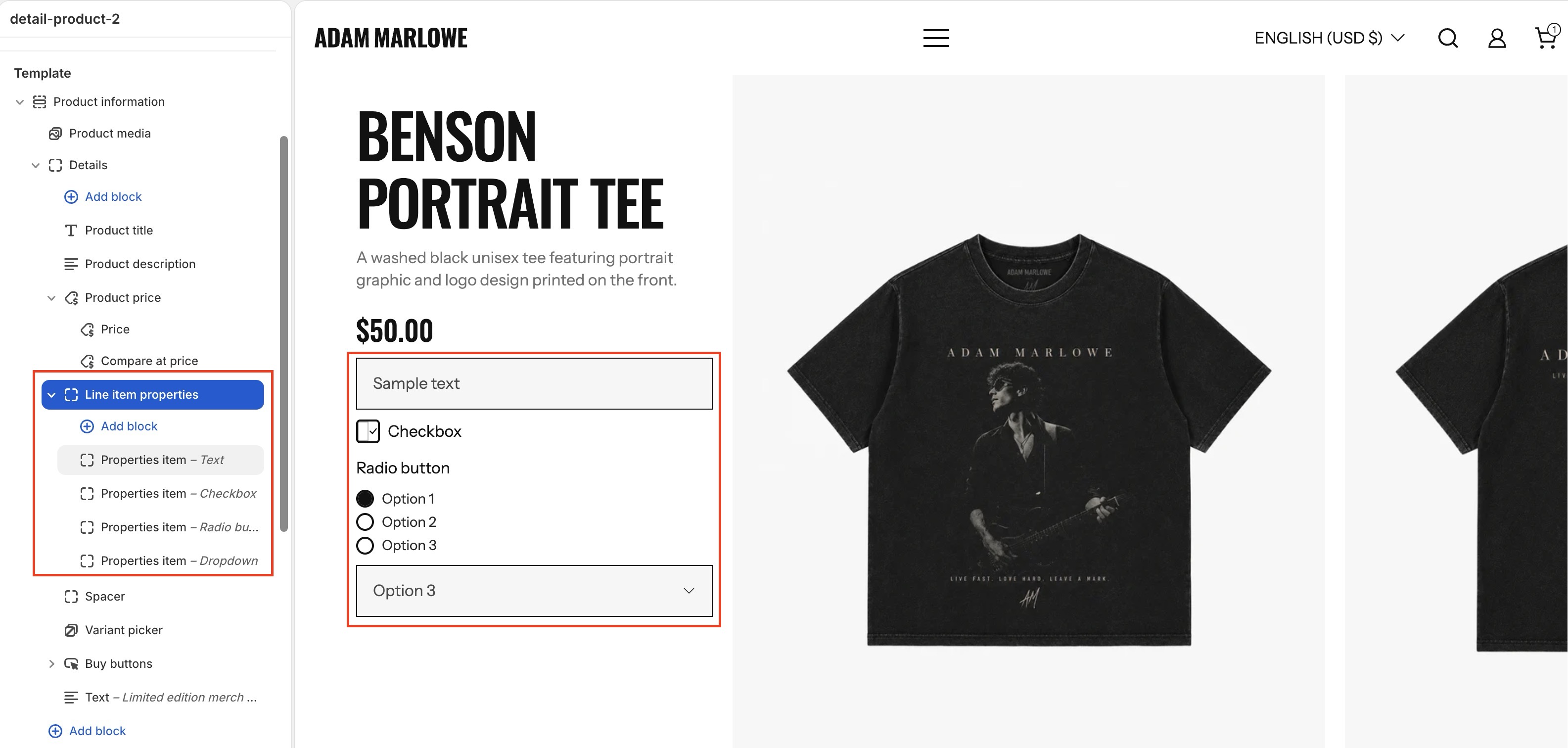
- Go to the product page > Main product > Product content block > add block Line item properties > add block Properties item
- Configure block Properties item
- There are 4 types of input you can use: Text input, Checkbox, Radio button, and Dropdown select.