Setup Pre-order
This guide describes how to set up Pre-order - Continue selling when out of stock.
Setup product
- On your store's Shopify admin page, in the side menu, select Products > Select the product
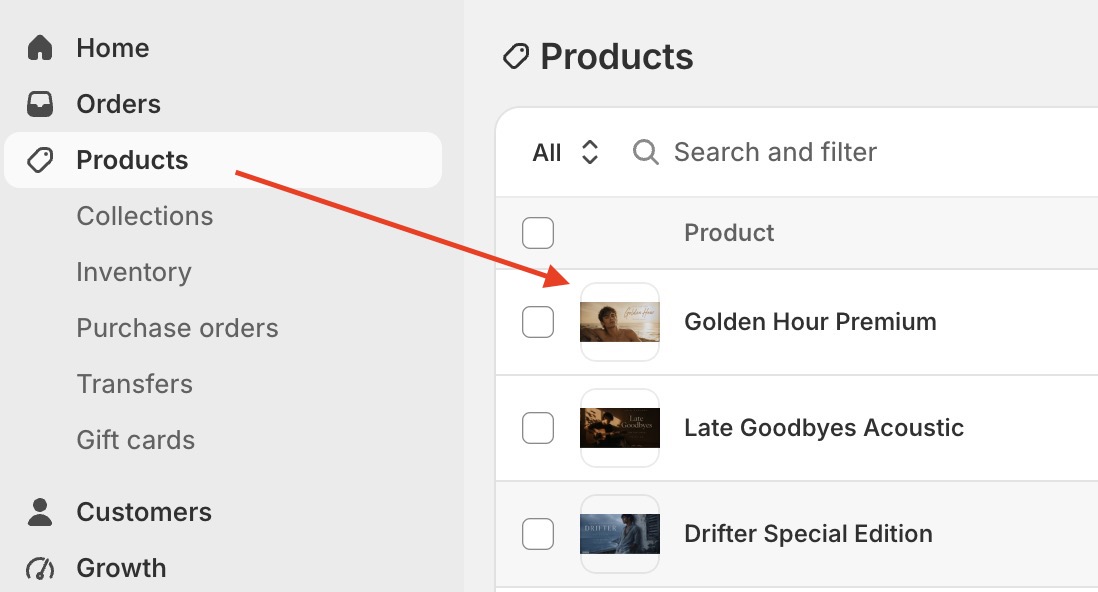
- Enable "Continue selling when out of stock"
- If product has no variants, scroll to Inventory > click the accordion icon to expand > enable Continue selling when out of stock
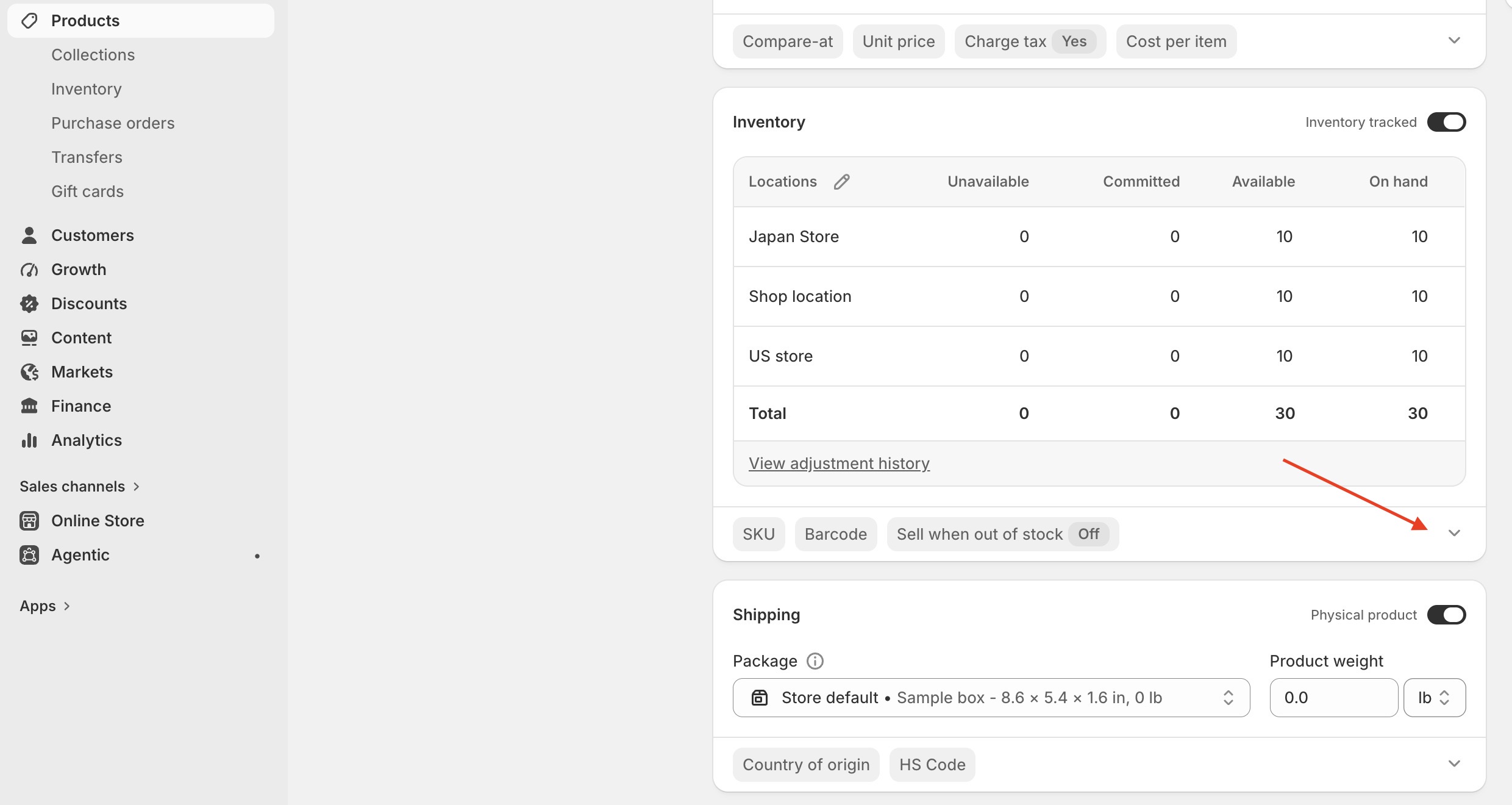
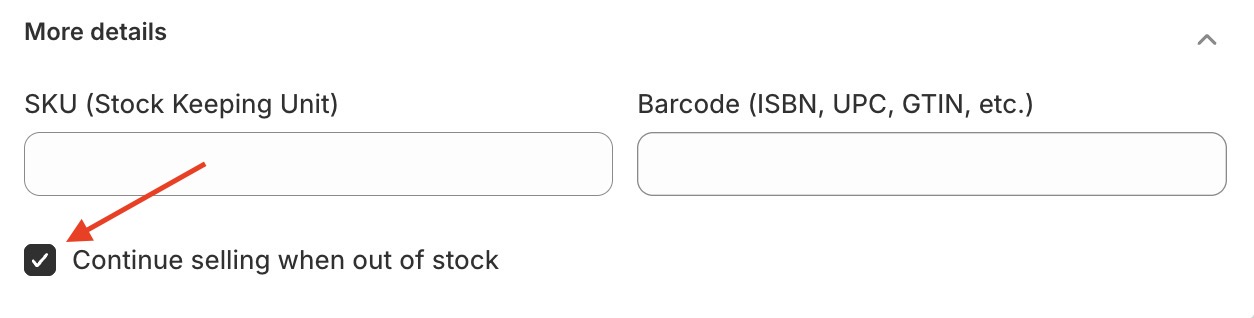
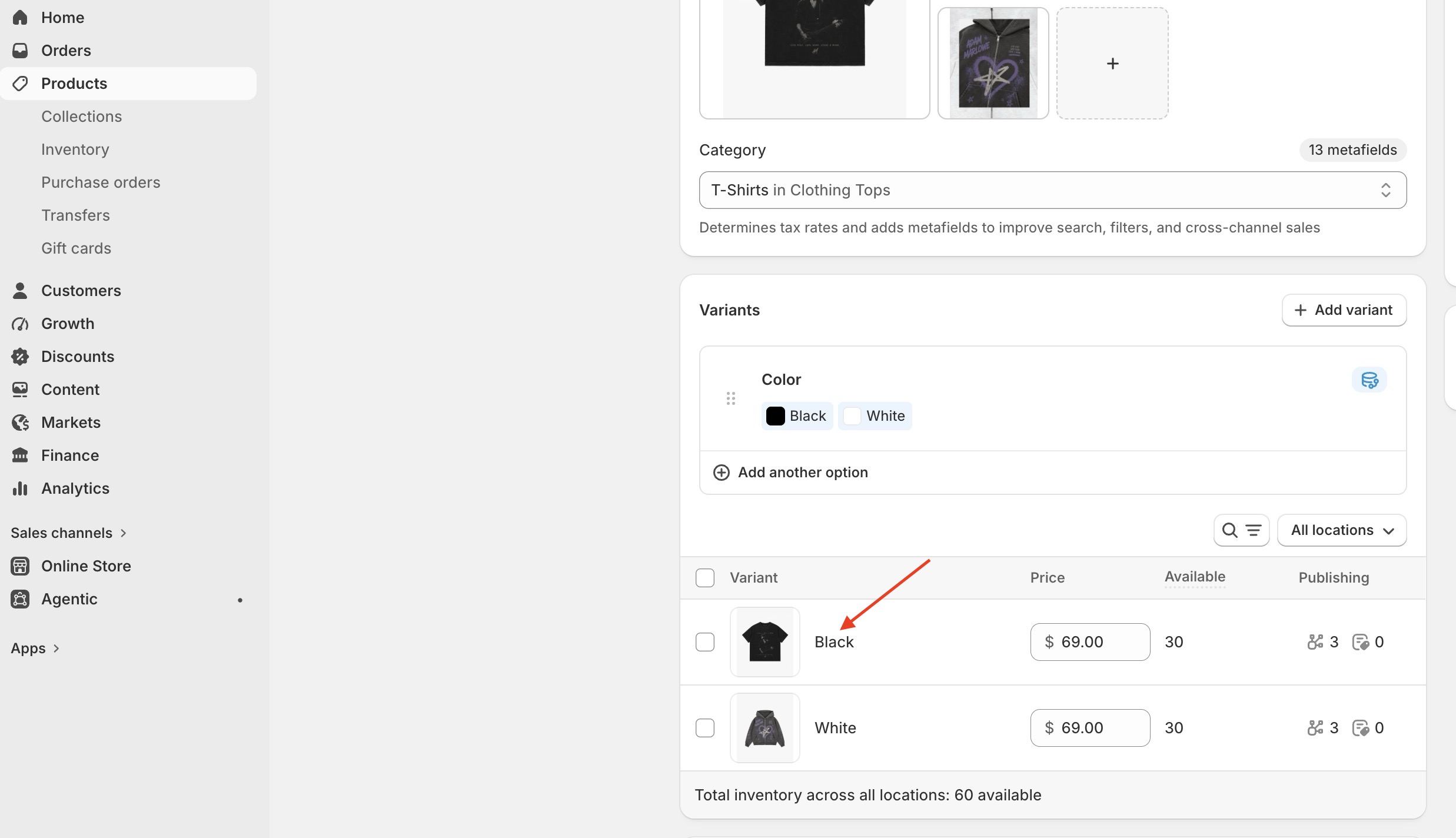
- If product has variants, scroll to the Variant > access the variant, scroll to Inventory > click the accordion icon to expand > enable Continue selling when out of stock